消費完,對著手機說一句話,哈啦Money 自動幫你記下金額並分類。電子發票一掃即歸類,帳目怎麼算都清清楚楚。
After you spend, just say one sentence — SpendSay records the amount and files it into the right category. Scan an e-invoice and it's sorted instantly.
免費下載 · 核心功能永久免費 · iOS、Android 皆支援,網頁版可瀏覽(進階版可完整記帳) Free to download · core features free forever · iOS & Android, plus web viewing (full web editing with Premium)
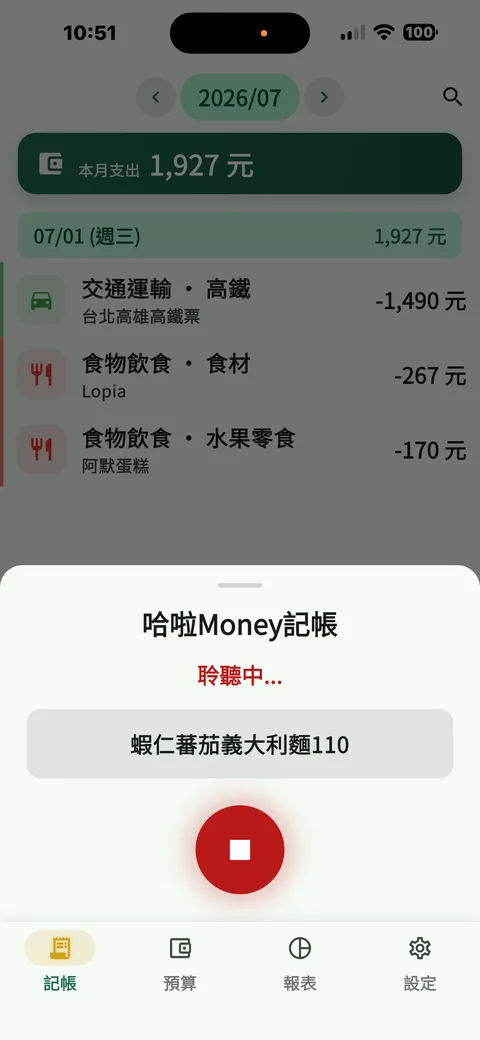
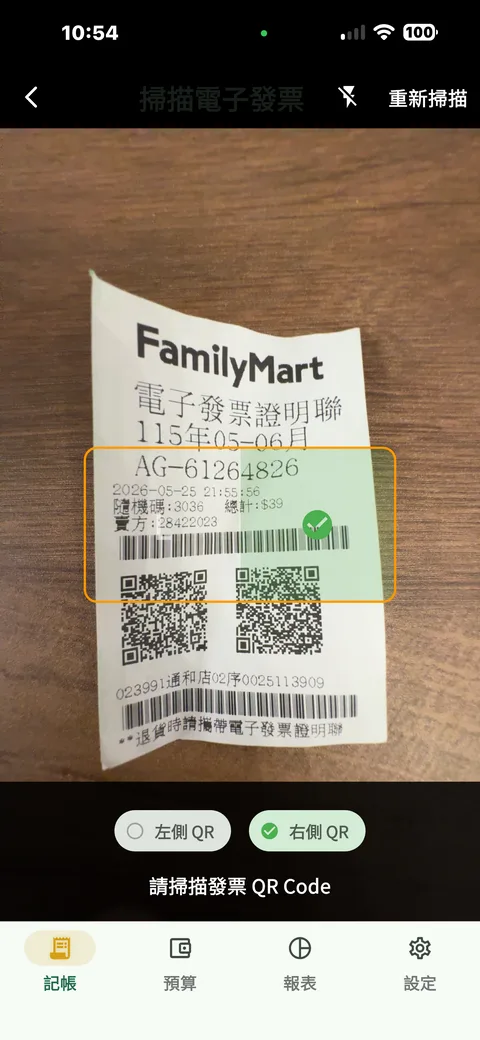
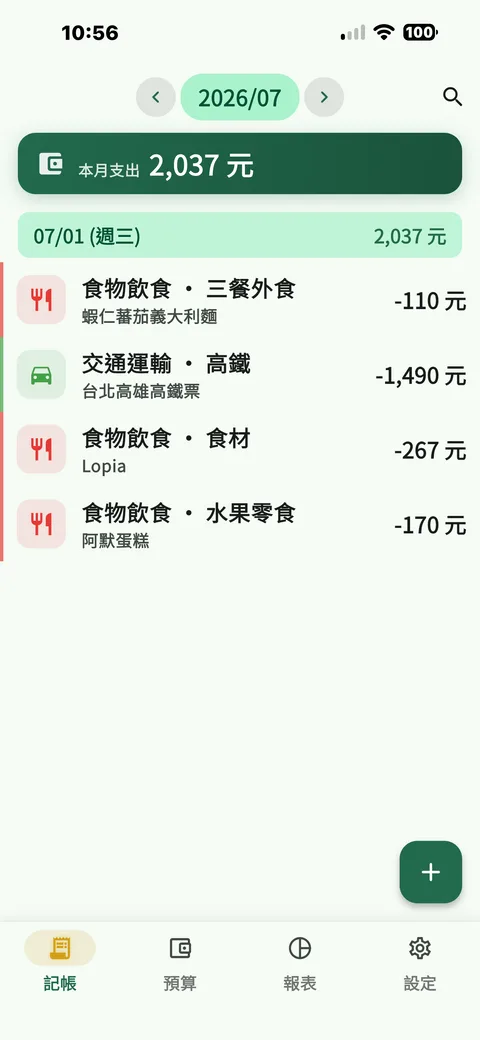
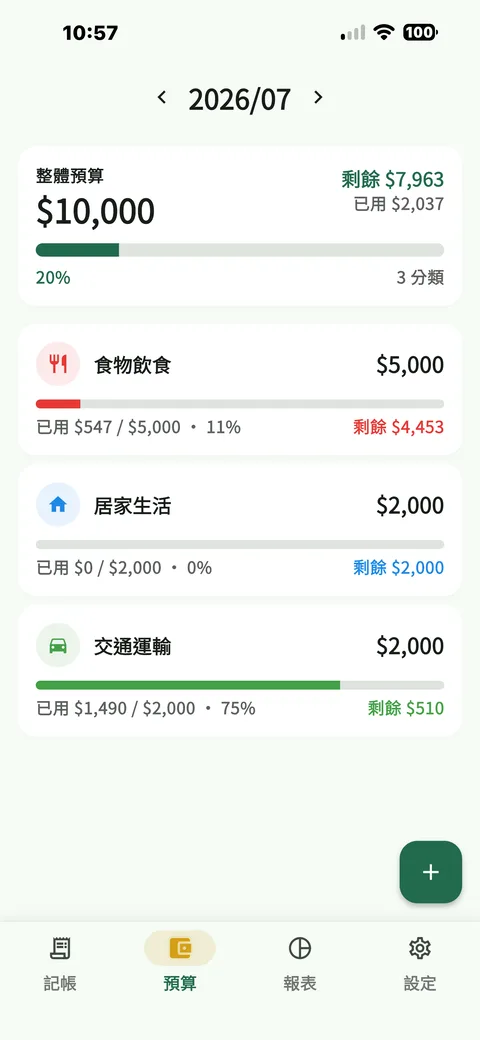
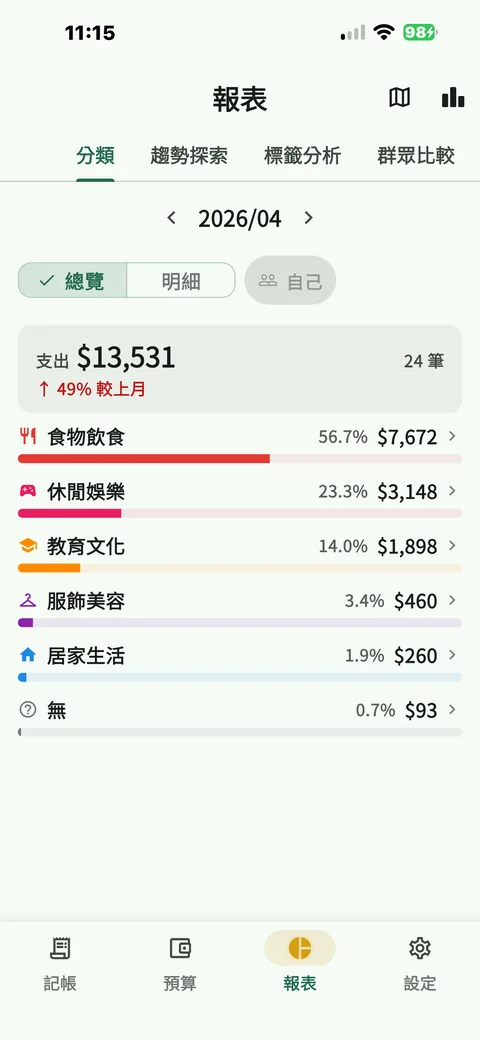
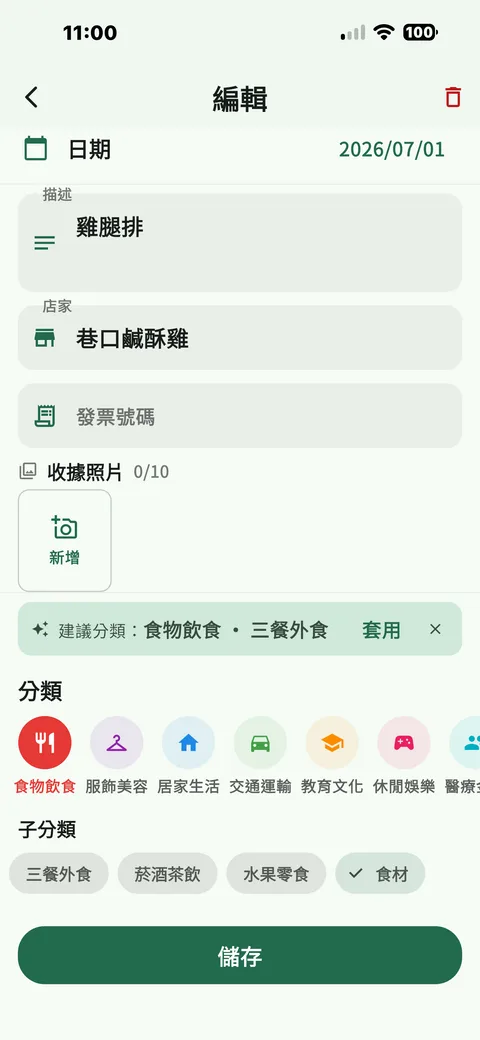
從語音到發票,哈啦Money 幫你把每一筆帳自動歸位。
From your voice to your invoices, SpendSay files every entry for you.
對著手機說一句話,系統自動辨識金額並歸類,不必盯著螢幕慢慢輸入。
Say a sentence and the amount is captured and categorised — no tapping through screens.
掃描電子發票 QR Code,每筆消費自動對應分類;設定手機條碼後還能批次歸類雲端發票。
Scan an e-invoice QR code and each item is auto-categorised. Set your carrier barcode and cloud invoices are filed in batches.
分類、月度、預算對比一目了然,還能匿名和群眾數據比較,看看自己有多會花。
Category, monthly and budget-vs-actual reports at a glance — plus anonymous peer comparison to see how your spending stacks up.
和家人、伴侶共用同一本帳,授權範圍自己決定,隨時可停止分享。
Share one ledger with family or a partner. You decide the scope, and you can stop sharing anytime.
記帳資料永久免費備份於雲端,換手機也不怕,跨裝置自動同步。
Your data is backed up in the cloud for free and syncs across devices — switch phones without losing a thing.
每筆帳可加多個標籤、設定定期自動記帳,支援多國幣別與匯率換算。
Add multiple tags per entry, schedule recurring transactions, and track spending in multiple currencies with live rates.
從哈啦Money 舊版轉過來?歷史資料可以直接匯入。其他記帳 App(例如 AndroMoney、CWMoney)的資料,匯出後整理成含「日期」與「金額」欄位的 CSV,一樣能匯入。也能隨時把帳目匯出成 CSV,在 Excel 裡自由分析。
Coming from the old HalaMoney app? Import your full history in one go. Data from other apps such as AndroMoney or CWMoney imports too, once you've saved its export as a CSV carrying 日期 (date) and 金額 (amount) columns. Export to CSV anytime to analyse in Excel.
每筆帳都能輸入發票號碼,對獎不漏接;附加照片為進階版功能。
Record invoice numbers on any entry so you never miss a prize draw. Photo attachments are a Premium feature.
指紋 / 臉部辨識鎖定 App,帳務隱私更安心。
Lock the app with fingerprint or face recognition to keep your finances private.
免費下載,核心功能永久免費。iOS、Android 都支援;網頁版免費瀏覽,進階版可完整記帳。
Free to download, with core features free forever. Available on iOS and Android; browse on the web for free, or unlock full web editing with Premium.